
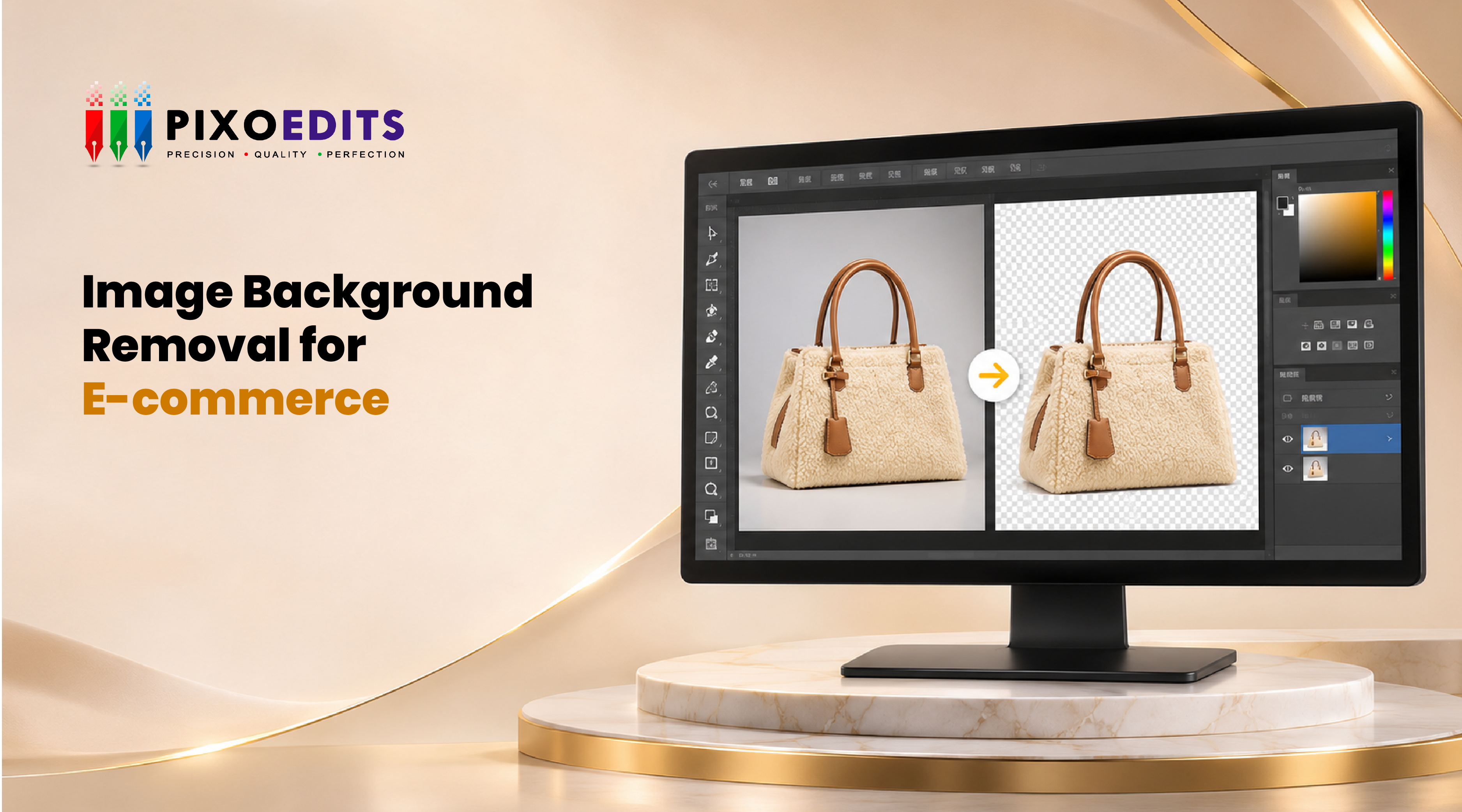
Image Background Removal for Ecommerce: The Quiet Upgrade That Makes a Store Look Expensive
Picture two online stores selling similar products at similar prices. Store A has photos taken on kitchen counters, bedsheets and one suspiciously familiar sofa. Store B has every product on a clean, matching background, evenly sized and neatly lined up.
Without reading a single word, most shoppers will trust Store B more. That is the quiet power of background removal. It does not make your product better. It makes your store look like it knows what it is doing.
Why Backgrounds Matter More Than They Seem
Shoppers cannot touch, hold or try a product online. Your images do all the convincing. A messy background competes with the product for attention, while a clean one puts the spotlight exactly where you want it.
Backgrounds do four jobs at once:
Focus: the eye goes to the product, not the clutter.
Trust: tidy images feel professional, and professional feels safe to buy from.
Consistency: a uniform look turns a pile of products into a brand.
Compliance: many marketplaces have rules about what the main image can look like.
The Grid Test
Here is a simple experiment. Open your store's collection page and squint. If the backgrounds, shadows and product sizes look like a patchwork quilt, shoppers will feel that mess even if they cannot name it. Product grids are scanned in seconds, and a consistent grid reads as credible.
This is why background removal for ecommerce is rarely a one-off fix. It is a system for making every image belong to the same family.
Which Background Should You Use?
There is no single right answer. It depends on where the image lives:
Pure white (RGB 255, 255, 255) for marketplaces and standard product pages. Clean, universal and expected.
Transparent PNG for banners, ads and promotional layouts where the product sits on different colours.
Lifestyle or coloured backgrounds for hero banners, social media and secondary gallery images.
A smart workflow cuts the product out once, then reuses that cutout across all three. That is why clean edges matter. You build the asset once and use it everywhere.
How Ecommerce Background Removal Actually Works
For a catalogue, the process usually looks like this:
Sort the images by difficulty. Simple boxy products, soft or hairy products, and tricky ones with holes or transparency all need different approaches.
Choose the method per group. Solid edges suit a clipping path, and soft edges suit masking. See clipping path vs background removal for how to decide.
Apply one consistent standard. Same edge tightness, same background, same canvas size.
Add or rebuild shadows so products feel grounded, not floating.
Export in the right formats for each platform.
For the hands-on version of this, we walk through how to remove backgrounds from product photos professionally.
Easy Products vs Tricky Products
Not every product is created equal:
Easy: bottles, boxes, shoes, gadgets. Hard edges and simple shapes.
Medium: furniture with thin legs, bags with straps, anything with holes.
Hard: jewellery with chains and reflective metal, glass items, and anything with fur, hair or fringe.
If your catalogue includes tricky items, treat them differently. Our guides on clipping path for jewellery images and clipping path vs image masking for hair and fur explain why. For soft subjects, see what image masking is too.
Five Mistakes That Make a Store Look Cheap
Off-white backgrounds. Almost white is not white, and it shows when images sit next to each other.
Inconsistent shadows. Some products are grounded, some are floating, and some have shadows pointing in different directions.
Uneven product size. One shoe fills the frame; the next one looks tiny.
Rough edges. Halos and jagged outlines that appear the moment someone zooms in.
Mixing methods randomly. Half the catalogue was edited one way, half another.
Off-white backgrounds. Almost white is not white, and it shows when images sit next to each other.
Inconsistent shadows. Some products are grounded, some are floating, and some have shadows pointing in different directions.
Uneven product size. One shoe fills the frame; the next one looks tiny.
Rough edges. Halos and jagged outlines that appear the moment someone zooms in.
Mixing methods randomly. Half the catalogue was edited one way, half another.
A Simple Quality Checklist
Before you upload a batch, check that:
Every edge looks smooth at 100% zoom
No old background is trapped inside holes or handles
The background colour is identical across images
Shadows are consistent in direction and softness
Every product sits at a similar size and position on the canvas
If you are choosing which technique fits which product, when to use a clipping path and what a clipping path is are helpful companions.
When Does It Make Sense to Outsource?
If you have thirty products and one patient person on the team, doing it in-house can be fine. Once your catalogue reaches hundreds of SKUs, seasonal launches arrive in waves, or new stock drops every week, the real issue is not skill. It is bandwidth. That is when outsourcing pays for itself.
The Bottom Line
Image background removal for e-commerce is not a cosmetic extra. It is the foundation of a store that looks organized, trustworthy, and worth the price. Get the backgrounds right and everything else you do, from ads to product copy, works a little harder.
If your catalogue is outgrowing your editing time, PixoEdits provides professional ecommerce product photo editing, including clipping path and masking, for jewellery and every other category. Test it with 10 free credits.
 Quick Response
 Secure & Confidential